
The
business card type allows
you to leverage a specific suite of features designed for professional and commercial use
. Here is how you can configure your profile:
1.
Establish Basic Identity
- Basic Detail: Start by choosing from preconfigured templates to set the foundational layout of your profile .
- Customization: Personalize the aesthetic of your card by changing the color, shape, and text to align with your brand .
2.
Showcase Your Offerings
- Products & Services: List your specific products and services directly on the profile .
- Galleries: Use galleries to provide visual evidence and high-quality images of your work or inventory .
3.
Enable Transactions and Appointments
- Payment Links: Integrate payment links to allow customers to make purchases or pay for services directly from your card .
- Service Booking & Appointment Form: Use the Service Booking feature or the Appointment Contact Form to manage your schedule and capture new leads .
4.
Business Operations and Connectivity
- Business Hours: Clearly display your business hours so clients know when you are available .
- Social Links: Connect all your professional and social media platforms through Social Links .
- Testimonials: Build trust with potential clients by featuring testimonials from previous customers .
5.
Advanced Engagement Tools
- Popups: Use popups for important announcements, promotions, or call-to-action messages .
- Section Titles: You have the flexibility to rename section names using the Section Titles feature to better categorize your content .
- Advanced Setting: Access the Advanced Setting for further granular control over how your card functions and displays .
As noted in our previous discussions, this profile would then be accessible via a
unique short URL, QR code, or NFC tap
, allowing for instant, contactless sharing without requiring the recipient to install an app.
Click
here
to view business card type.
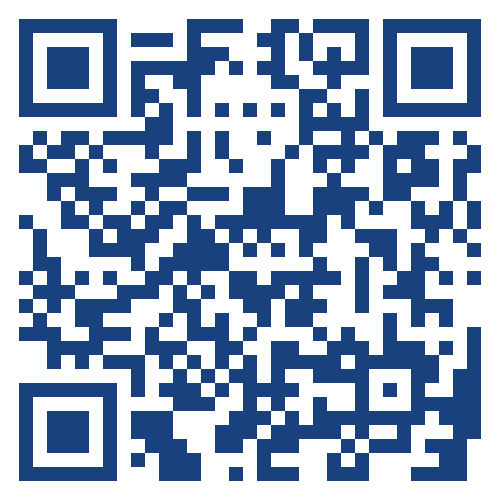
Scan qr-code to view the business card type on phone